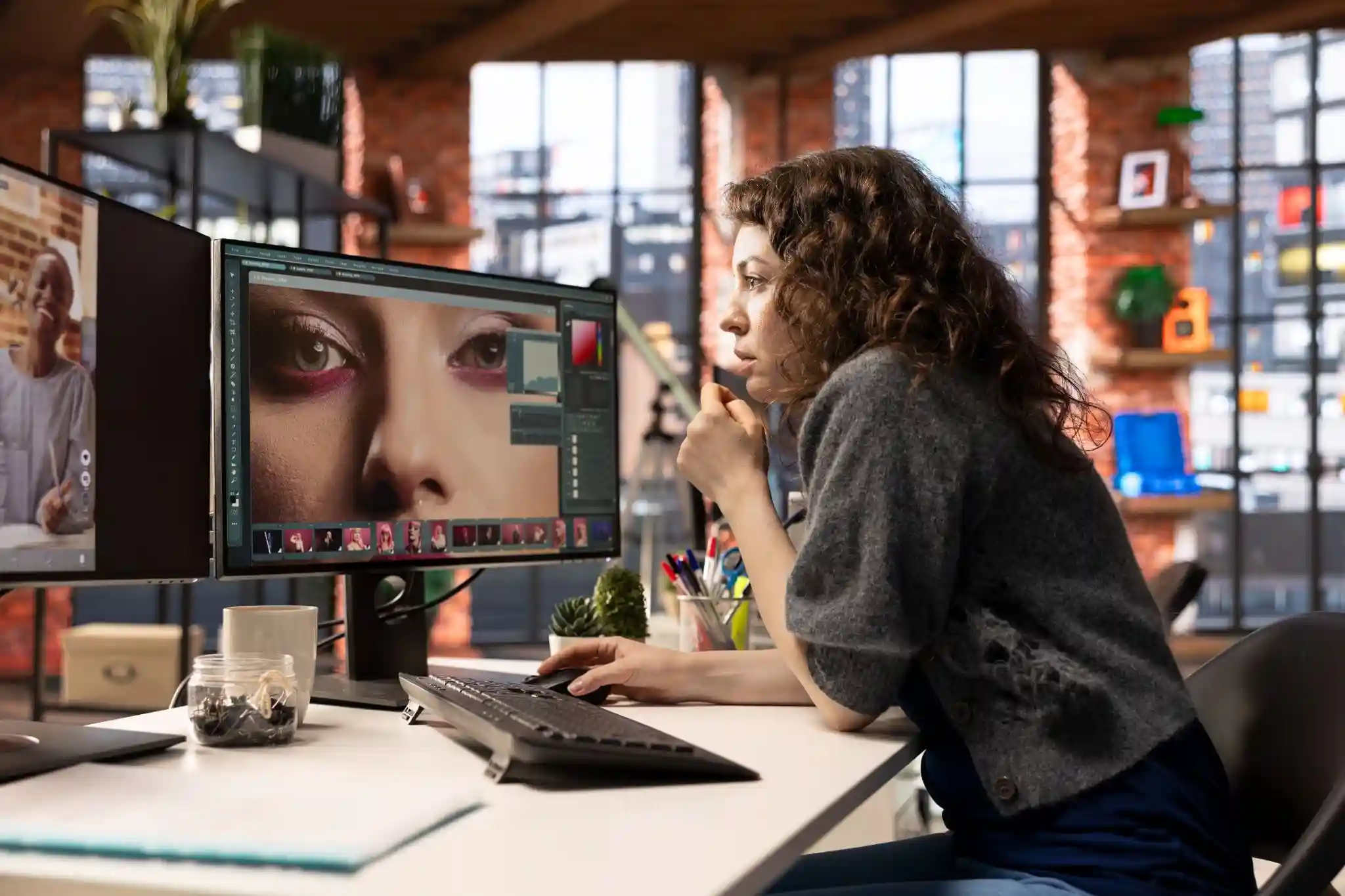
Many portraits start to look over-edited once photographers move past beginner tools. Early confidence often replaces observation, leading to images that feel artificial instead of refined. Skin becomes too smooth, tones drift, and faces lose character quickly. Professional Photoshop retouching techniques are not about knowing more tools. They are about knowing when and why to use them. Realism comes from judgment, restraint, and consistency, not shortcuts or presets.
Most frustration in skin retouching comes from trying to fix everything. Pores, lines, shadows, and color shifts all get treated the same way. Professionals work more slowly mentally, even when their workflow is fast.
Retouching Mistakes After Basics
- Overconfidence is the most common mistake after learning core tools. Sliders get pushed too far, textures disappear, and skin turns plastic before the editor notices. The image may look clean, but it no longer feels human.
- Another issue is relying on global adjustments. Applying changes to the entire face ignores how skin behaves differently across regions. Cheeks, forehead, and jaw all need separate attention.
- Sharpness is also misunderstood. Increasing clarity or sharpening is often mistaken for adding detail. In reality, it usually damages real skin texture and creates harsh edges.
Texture Preservation Comes First
Texture is the foundation of believable skin retouching. Smoothness without texture always looks fake, no matter how clean the result seems. Human skin is uneven by nature, and that unevenness creates realism.
Frequency separation is often misused at the intermediate level. When used aggressively, it disconnects texture from tone completely. This creates flat, lifeless skin that cannot be fixed later. Once texture is destroyed, it rarely comes back. That is why professionals protect it from the start. Every decision should be filtered through the question of texture safety.
Reading Skin Before Editing
Before touching any tool, professionals study the skin. Age, skin type, and lighting direction all influence how much retouching is appropriate. Young skin needs restraint, not polishing. Lighting flaws are often mistaken for skin problems. Hard light creates shadows and highlights that should not be removed. Understanding light prevents unnecessary corrections.
The most important skill is deciding what stays. Freckles, lines, and natural transitions often define personality. Removing everything removes identity.
Dodge and Burn Control
Dodge and burn gradually replace heavy healing as skill improves. It allows tonal correction without destroying texture. This makes skin look refined, not rebuilt. Common mistakes include over-brightening highlights or flattening shadows. This removes facial structure and makes faces appear wider or softer than reality. Controlled dodge and burn maintains contrast while improving balance. The goal is subtle correction, not visible manipulation.
Subtle Light Shaping Techniques
Micro dodge and burn works at a very small scale. It targets pores, transitions, and uneven highlights instead of large areas. This keeps texture intact while improving flow.
Facial anatomy must remain consistent. Cheekbones, eye sockets, and jawlines rely on natural shadow patterns. Ignoring anatomy creates strange, unnatural faces.
Midtones are especially fragile. Overworking them creates muddy skin that looks dirty instead of smooth. Clean midtones are a sign of professional portrait retouch work.
Healing Tools Overuse
The Spot Healing Brush is often overused because it feels fast. Over time, it blurs the texture and creates strange artifacts. Skin starts to look soft even before smoothing is applied. Clone Stamp misuse creates repeating patterns. The human eye detects repetition quickly, even if the editor does not. These patterns break realism instantly. Professionals combine tools carefully. Healing, cloning, and dodge and burn work together. No single tool solves every skin problem effectively.
Color Consistency Challenges
Aggressive adjustments often shift skin color without being noticed. Saturation, hue, and contrast changes affect skin faster than backgrounds. This creates unnatural tones. Selective color is frequently misused. Small changes can turn skin gray, orange, or lifeless. These issues are hard to fix later. Consistent undertones across the face and body are critical. Neck, hands, and face should feel connected, even under complex lighting conditions.
Balancing Skin Tones Naturally
Separating luminosity from color is essential in advanced photo editing. Correcting brightness first prevents unnecessary color damage. This keeps skin tones stable. Redness should be managed carefully. Removing all red kills warmth and health. The goal is balance, not neutrality. Mixed lighting requires patience. Different color temperatures across the face should be unified subtly, not forced into one tone.
Sharpening Without Damage
Sharpening skin is one of the fastest ways to destroy realism. Skin does not need sharpening. Texture already exists when preserved correctly. Working sharpening should be minimal and controlled. Output-based sharpening should happen at the final stage, based on size and platform. Masking is essential. Eyes, lashes, and lips benefit from sharpening. Skin should remain protected at all times.
Retouching Eyes Carefully
Over-brightened eyes look unnatural immediately. Real eyes have depth, shadow, and variation. Flattening them removes life. Natural shadows around the eyes should stay. They define shape and emotion. Removing them creates a pasted-on look. Artificial catchlights are risky. Enhancing existing light is safer than creating new reflections that never existed.
Workflow Efficiency Problems
Slow workflows often cause inconsistency. Fatigue leads to poor decisions, not better results. Efficiency supports quality, not speed alone. Too many layers create confusion. Without structure, revisiting edits becomes difficult. This increases mistakes during revisions. Non-destructive habits allow flexibility. Adjustment layers, masks, and smart objects protect the original image.
Building Repeatable Retouching Systems
Actions should assist, not replace judgment. Adaptive actions save time without forcing identical results across images. Smart Objects allow revision-friendly portrait retouch. They protect detail and simplify client feedback adjustments. Version control matters. Saving stages prevents over-editing and allows easy comparison during client reviews.
When to Stop Editing
Every image has a point of diminishing returns. Past that point, changes only make things worse. Knowing when to stop is a professional skill. Objective comparison helps. Toggling before and after reveals whether improvements are real or imagined. Viewing images at real-world sizes exposes flaws. Zooming in too much encourages unnecessary edits.
Client Expectations Versus Reality
Clients often request unrealistic skin because they see over-edited images online. Education matters more than explanation.
Subtle results build trust. When clients see natural improvements, they understand quality without being told. Professional retouching delivers polished images that still feel authentic. That balance defines long-term success.
Retouching for Different Outputs
Web, print, and social platforms treat images differently. Compression affects skin texture more than expected. Social platforms often destroy fine detail. Retouching must anticipate this loss without overcompensating. Final adjustments should be output-specific. One master edit rarely works everywhere without adaptation.
Advanced Retouching Mindset
Great retouchers think like photographers. They understand light, lenses, and capture limitations. Fixing mistakes starts with understanding why they happened. This prevents repeating the same issues. Restraint is a learned skill. It separates experienced professionals from tool-focused editors.
Conclusion
Natural results come from decisions, not tools. Every adjustment carries responsibility. True mastery of Photoshop retouching techniques means knowing what not to touch. Removal is often more powerful than addition. Long-term growth comes from honest self-review, patience, and experience built over time.
FAQs
1. Why does professional retouching avoid perfect skin?
Perfect skin removes identity and realism. Professionals aim for balanced texture and tone, preserving natural features while correcting distractions, creating images that feel polished yet believable.
2. Is frequency separation always bad for skin retouching?
Frequency separation is not bad, but misuse is common. When applied lightly and intentionally, it helps. Overuse disconnects texture and tone, causing flat, artificial skin.
3. How do professionals keep skin texture natural?
They protect texture from the start. Minimal healing, careful dodge and burn, and avoiding global smoothing preserve pores and transitions that make skin look real.
4. Why do my retouched images look good zoomed in but bad overall?
Over-zooming encourages unnecessary edits. Always review at realistic viewing sizes. This reveals balance issues and prevents overworking fine details that viewers never see.
5. What is the hardest retouching skill to learn?
Restraint is the hardest skill. Knowing when to stop, what to keep, and what to ignore defines professional-level retouching more than any advanced tool.